Maximizing Productivity with Microsoft 365 and AI Tools
Maximizing Productivity with Microsoft 365 and AI Tools
In today's fast-paced business environment, harnessing the power of technology is essential to enhance productivity. **Microsoft 365**, coupled with cutting-edge artificial intelligence (AI) tools, offers innovative solutions that can significantly elevate efficiency and collaboration among teams. For businesses in Montreal and across Quebec, understanding how to leverage these technologies can lead to remarkable improvements in operations, employee satisfaction, and ultimately, bottom-line results.
Understanding Microsoft 365 and AI Integration
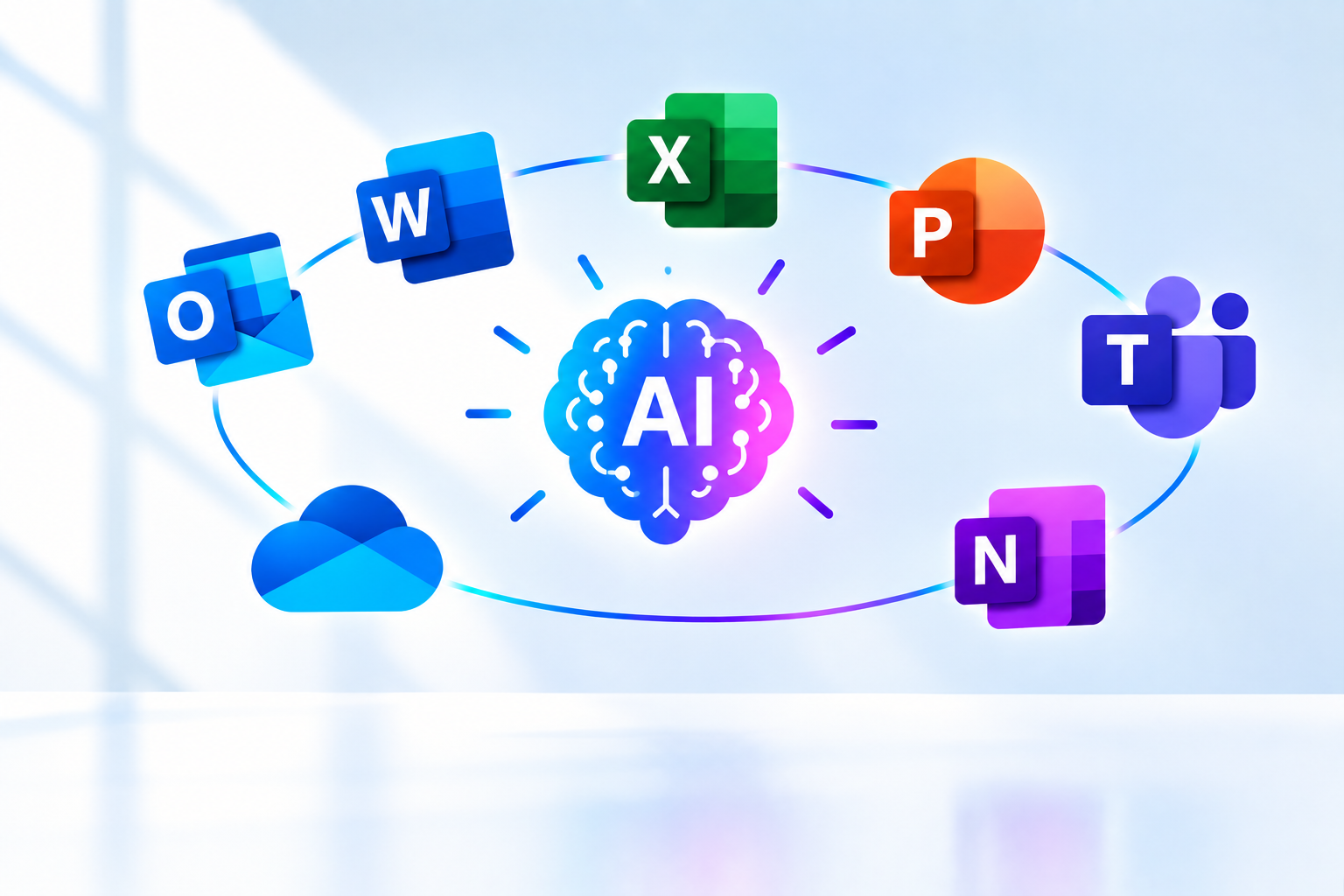
**Microsoft 365** is an integrated suite of applications designed to drive productivity and teamwork. This includes popular tools such as Word, Excel, PowerPoint, Outlook, and Teams. The integration of AI enhances these applications, transforming how businesses function by automating tasks, improving collaboration, and providing data-driven insights.
1. Utilize AI-Powered Features
Microsoft 365 is packed with AI-driven functionalities that can help streamline workflows. Here’s how to take advantage of these features:
- **Outlook AI Tools:** Use intelligent email sorting and categorization to decrease time spent managing your inbox. This feature prioritizes messages, allowing you to focus on what matters most.
- **Smart Composing in Word:** Benefit from AI suggestions for edits, grammar corrections, and content enhancement while writing. This not only saves time but also improves quality.
- **Meeting Enhancements in Teams:** Leverage AI-driven meeting features such as real-time transcription and automated meeting summaries. This helps to maintain clarity and ensure action items are captured without additional manual effort.
By effectively implementing these features, organizations can:
- **Reduce time on repetitive tasks.** Automation enables employees to concentrate on strategic decision-making instead of mundane, routine processes.
- **Enhance team communication.** Tools that provide smart suggestions facilitate clearer and more effective collaboration among team members across various projects.
2. Foster Collaboration Through Microsoft Teams
**Microsoft Teams** serves as a central hub for communication and collaboration, particularly vital in a remote or hybrid working environment. Here’s how to maximize its potential:
- **Utilize Breakout Rooms:** Engage team members effectively by dividing larger meetings into smaller breakout sessions. AI can aid in assigning participants according to predefined topics or agenda items, increasing engagement.
- **Automate Meeting Notes:** Implement AI that generates and distributes meeting notes automatically, ensuring all team members are informed of discussions and decisions made without exhausting extra time.
By leveraging these capabilities, organizations can streamline meetings, maintain a cohesive work culture, and enhance productivity across teams.
3. Analyze Data with Power BI
Data analysis is critical in today’s data-driven business landscape. **Power BI** is a powerful tool within the Microsoft 365 ecosystem that offers organizations the ability to visualize data and glean actionable insights that drive strategic decisions. Here’s how to use it effectively:
- **Utilize AI for Visual Analytics:** Incorporate AI features to produce enhanced visualizations that simplify data interpretation. Standard reports can be transformed into compelling, easy-to-understand formats that highlight important patterns and trends.
- **Informed Decision-Making:** Rapidly analyze performance metrics through Power BI to assist in adjusting strategies dynamically. For instance, a business can examine sales data trends to optimize marketing approaches.
Organizations looking to delve deeper into Microsoft 365's AI capabilities can explore Microsoft’s Official AI Page for valuable resources and guides.
Conclusion
Integrating **Microsoft 365** with AI tools presents a multifaceted approach to boost productivity and foster collaboration within your organization. The continuous evolution of these technologies offers a unique opportunity for businesses to streamline operations, enhance teamwork, and improve overall outcomes.
Begin by assessing which Microsoft 365 features can be implemented immediately, and strive to cultivate a culture of innovation and teamwork. By leveraging these tools effectively, organizations in Montreal and beyond can transform their productivity landscape.
References and Useful Links
What this means for your business
Technology news is most useful when it helps you decide what to change in your own environment. Use this Knowledge Center article as a practical briefing: identify whether the issue affects your stack, who on your team should own follow-up, and what evidence you need before you commit budget or vendor changes.
For topics related to Digital Transformation,
TechPam recommends documenting current controls, confirming patch and backup status, and reviewing access paths that expose customer or employee data. Even when a story is about another company, the same failure patterns often appear in small and mid-sized businesses that run lean IT teams.
If your organization needs help translating this update into an action plan, our team can review your current tools, prioritize risks, and propose a short remediation or improvement roadmap. Start with the newest posts in the
Knowledge Center
or
contact TechPam
to discuss cybersecurity, infrastructure, software delivery, or digital media support.
Related reading helps teams stay current without drowning in alerts. Bookmark this page, share it with stakeholders who approve security or IT spend, and pair it with a short internal checklist so recommendations turn into tracked work instead of unread headlines.






Comments
Comments are currently closed.